
Summary
YouTube TV, a live television streaming service from Google, offers over 100 channels, including major networks, sports, and entertainment, positioned as an alternative to traditional cable. It features cloud DVR with unlimited storage, multiview options, and a flexible subscription model with both base and genre-specific packages. Although it has received acclaim for its channel selection, its interface has been criticized as unintuitive, with limitations such as regional blackouts and high pricing compared to competitors. Potential subscribers should evaluate their viewing preferences and budget to assess if YouTube TV is the right fit.
Subscription Plans and Pricing
YouTube TV features a tiered subscription model that caters to various viewer preferences. The Base Plan is priced at $82.99 monthly, but genre-specific packages like the Sports or Entertainment options reduce costs, fostering targeted viewing experiences. These standalone packages offer flexibility, allowing users to select plans that best match their interests without hidden fees, although regional restrictions may impact sports access. Given the competitive pricing landscape, consumers should compare these options carefully against their viewing habits and budget constraints.
Channel Lineup and Content Offerings
YouTube TV boasts over 100 channels across diverse genres, ensuring broad access to popular networks like ESPN, CNN, and HGTV. Multiple tiered plans cater to specific viewer interests, such as a dedicated Sports Plan priced at $64.99 per month, which may appeal to avid sports fans. Additionally, optional add-ons allow subscribers to personalize their experience further, focusing on specific content while providing the freedom of a customizable package. Users should consider which channels and features are essential for their viewing needs when selecting a plan.
Streaming Quality and Technical Performance
YouTube TV employs adaptive bitrate streaming, ensuring video quality dynamically adjusts based on user internet speed, thereby enhancing the viewing experience across various devices. While factors like bitrate and codec efficiency influence streaming quality, viewers can also manually adjust settings according to their preferences. However, users should be aware of their device capabilities; older devices may underperform, leading to buffering. Overall, a stable internet connection remains critical for optimal streaming quality, so evaluating infrastructure is advised for seamless viewing.
User Interface and Experience
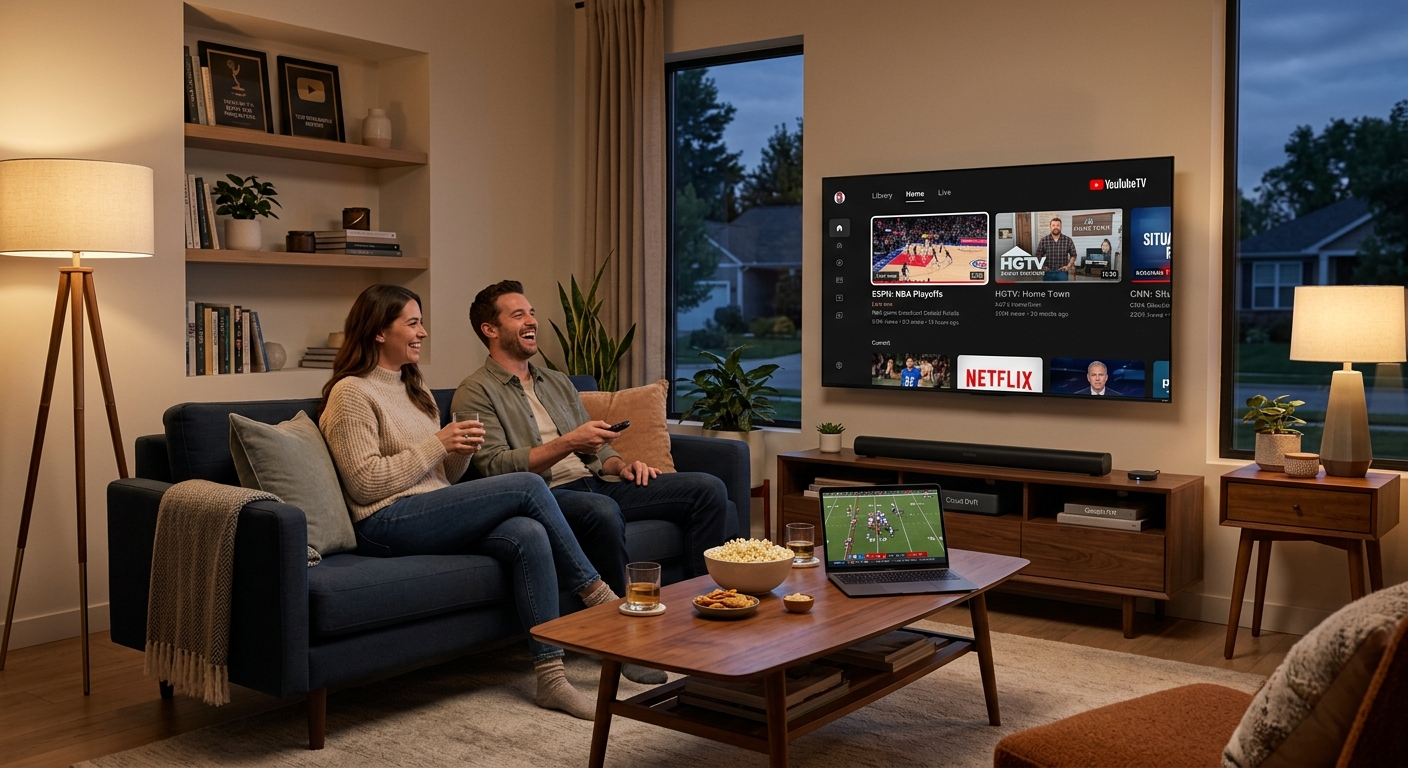
YouTube TV’s user interface has received mixed feedback due to its minimalist design, which some users find confusing compared to traditional navigation styles. The top-centered menu includes sections like Library and Home but may hinder quick access to content. Recent updates and integrations with Google’s ecosystem aim to enhance usability, yet navigating certain features can still pose challenges, particularly for users accustomed to conventional layouts. Potential users may benefit from familiarizing themselves with the interface during trial periods to gauge comfort levels.
Device Compatibility
YouTube TV supports a variety of devices, including popular smart TVs, streaming devices, and gaming consoles, enhancing its accessibility. However, compatibility may be an issue for older hardware that lacks the capability to run the app effectively. Users should confirm device compatibility to avoid performance issues which could affect streaming quality. The service’s multi-device capabilities allow for flexibility, but upgrading outdated devices can resolve potential bottlenecks in streaming efficiency.
Customer Service and Technical Reliability
YouTube TV offers 24/7 customer support through chat and phone, complemented by an extensive online help center for common issues. However, user satisfaction varies, with some users expressing frustrations regarding the responsiveness of customer service. Streaming quality highly depends on internet speed, as consistent connectivity is required to avoid interruptions. Evaluating personal internet reliability is crucial, especially in regions where broadband service fluctuates, to ensure a stable viewing experience.
Competitive Landscape and Comparisons
YouTube TV competes with other services like FuboTV, Hulu + Live TV, and Sling TV, each offering unique advantages and pricing strategies. Its pricing, while higher compared to some competitors, comes with a robust channel lineup and features aimed at replacing traditional cable without long-term commitments. Users should analyze the content offerings and pricing of these alternatives to determine the best fit for their preferences, considering that each service aligns differently with individual viewing habits.
Cost-Benefit Analysis
YouTube TV’s premium pricing reflects its extensive features and flexibility compared to traditional cable, including no-contract options and unlimited DVR storage. While the cost may seem high, promotional pricing often allows new users to test the service affordably. Assessing the overall value involves considering needs like channel variety versus the interface’s intuitiveness and the potential costs of premium add-ons. Users should weigh their viewing preferences against these factors to make an informed decision regarding YouTube TV’s suitability for their households.
The content is provided by Sierra Knightley, 9 Minute Read